I have run this project for eight enterprise clients over the past two years. The thing that kills most of them is not the model choice, the cost, or the software. It is the training data.
IBM’s Institute for Business Value identifies poor data quality as the single biggest barrier to AI deployment in enterprises globally. That matches exactly what I see. Every client who has come to us saying “our AI is not working” has had a data problem. Not a technology problem.
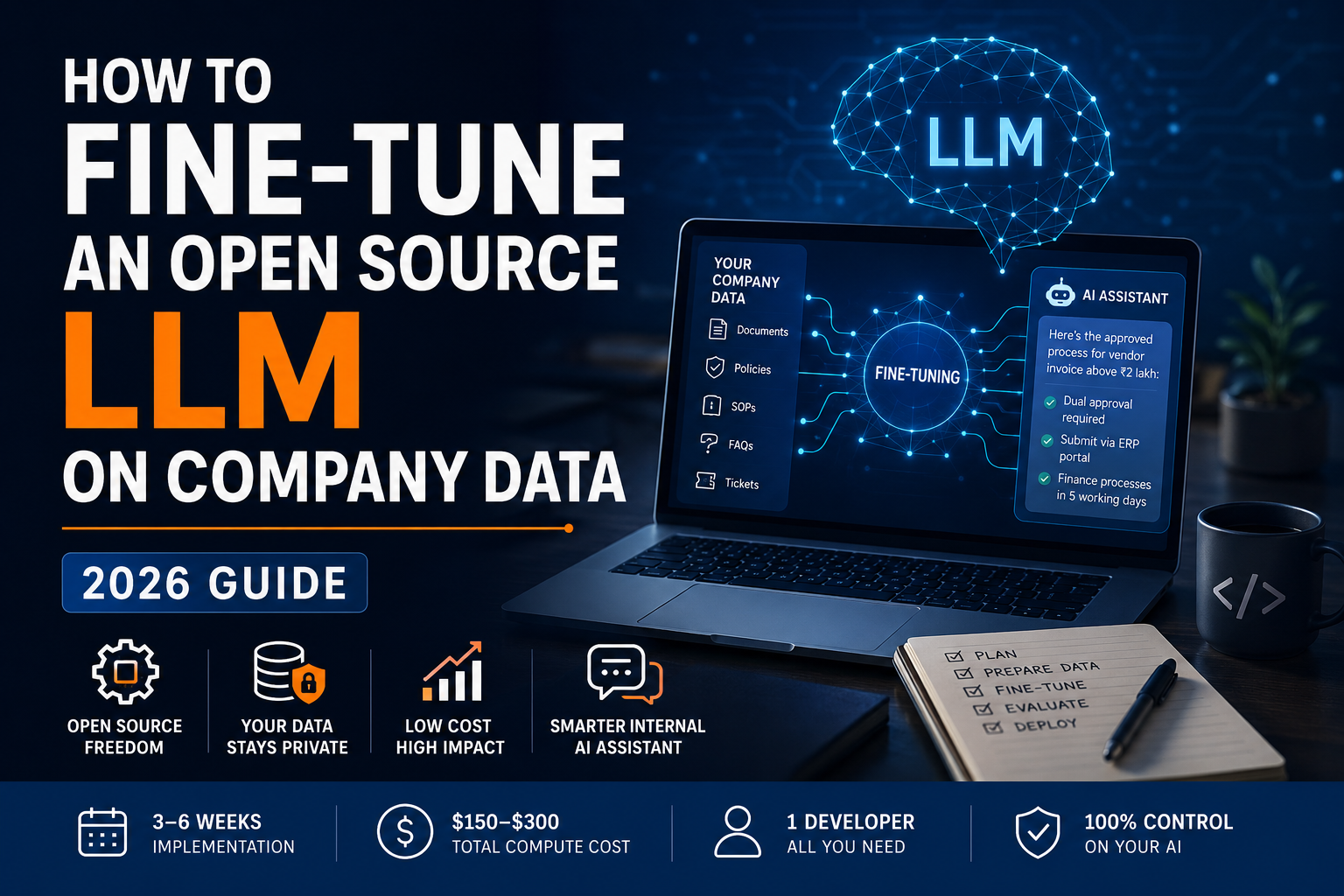
So here is the direct answer: building an AI assistant trained on your company’s internal documents is a real, 3-to-6-week project for a mid-size business. You need one developer. You do not need a machine learning team, a PhD, or expensive hardware on-site.
The total compute cost runs between $150 and $300. Whether it works depends almost entirely on how seriously you treat the data preparation phase. This guide walks through each step, including where things typically break.
Table of Contents
What Fine-Tuning Actually Does and When You Should Not Do It
Most guides on this topic are written for engineers. You are probably a CTO, IT head, or operations manager evaluating whether this is feasible for your team. Start here.
Imagine hiring a highly intelligent new employee. They are well-educated and can answer almost any general question. But they have never worked at your company. They do not know your approval processes, your product codes, your escalation policy, or the specific way your team phrases a response.
Fine-tuning is the training programme you put them through. You show the AI thousands of examples of real questions your team asks, paired with the correct answers. The AI studies these examples and adjusts how it responds. After this process, your internal AI assistant answers like a team member who has been at your company for two years, not like a generic chatbot.
This is fundamentally different from uploading your documents for the AI to search through. Document search is reactive: – the AI looks something up when asked. Fine-tuning is formative:- the AI internalises how your company thinks and communicates.
A concrete example: I fine-tuned a model on 1,500 internal support tickets for a manufacturing company in Georgia last year. Before training, the AI gave correct but generic responses. After training, it replied in the company’s specific escalation format, used their internal system names, and knew which department to route each type of query to. No document search system would have given them that consistency.
Fine-tuning vs. Document search: Which do you actually need?
The alternative approach you will hear about is called RAG (Retrieval-Augmented Generation), or simply “document search AI.” Instead of training the AI on your data, you connect it to a search system over your files. When someone asks a question, the system finds the relevant document sections and passes them to the AI as context for that specific query.
| Approach | Best for | Main limitation |
|---|---|---|
| Document search (RAG) | Large, frequently updated knowledge bases | Search errors affect every single answer |
| Fine-tuning | Consistent format, internal terminology, routing logic | Needs re-training when documents change significantly |
| Both combined | High-volume internal AI assistants | Takes longer to build initially |
Fine-tuning gives you consistent behaviour across every query. Document search handles updates better because you just add the new file to the index. Most serious internal AI assistants eventually use both. Start with fine-tuning if consistent terminology and response format are your priorities.
When fine-tuning is the wrong choice
Fine-tuning is not always the answer. Skip it if your knowledge base updates every week, if you cannot gather at least 400 real examples of questions and correct answers, or if your core problem is that employees cannot find documents in the first place. Fix the search problem before you train a model on your company’s data.
For a fuller picture of where fine-tuning fits in a broader AI strategy, you can start with our generative AI development services.
Picking the Right Starting Model
You are not building an AI from zero. You start with an existing open-source language model that someone else has already trained on billions of documents, then adapt it to your company’s domain. This is what keeps the project affordable.
The three models worth considering in 2026
Hugging Face, the main library for open-source AI models, hosts over 500,000 models. For a first company knowledge base project, the practical shortlist is three:
| Model | Licence | Best for |
|---|---|---|
| Mistral 7B Instruct | No restrictions (Apache 2.0) | Most first projects |
| LLaMA 3 8B | Commercial use allowed, with conditions | When answer quality is the top priority |
| Phi-3 Mini | No restrictions (MIT) | When hosting costs need to be low |
My default recommendation is Mistral 7B Instruct. No commercial licence complications. Strong performance on company-specific domain data. A training run on 2,000 examples takes 3 to 5 hours and costs $15 to $25 in cloud compute time.
One version mistake that wastes two weeks
Every open-source model comes in two versions: a base version and a conversational version (labelled “Instruct” or “Chat”). The base version is designed to predict the next word in a sentence. It is not designed to answer questions or follow instructions.
Teams that accidentally download the base version spend weeks confused about why the results are inconsistent. Always pick the Instruct or Chat version. It has already been set up to hold a conversation. You are teaching it your company’s specific content on top of a foundation that already knows how to respond.
Checking the licence before you build
Licence terms are not a formality. Before you build anything on top of an open-source model, read the model card on Hugging Face. Meta’s LLaMA 3 allows commercial use for companies with fewer than 700 million monthly active users. Mistral has no such restriction. Confirm which applies to your situation before development begins.
Data Preparation is 70% of the Project
Whatever time you planned to spend on data preparation, double it. I have said this to every client I have worked with, and every single one has come back to confirm I was right.
What your training examples need to look like
Your AI cannot learn directly from PDFs, Word documents, or pages in Confluence. It needs examples in a specific structured format: a question, an optional context note, and the correct answer, all saved in a plain-text file format called JSONL.
Here is a well-formed training example:
{
  "instruction": "What is the approval process for a vendor invoice above ₹2 lakh?",
  "input": "",
  "output": "Invoices above ₹2 lakh require dual approval from the department head and finance controller. Submit via the ERP portal with the PO number attached. Finance processes within 5 working days."
}
Here is what a bad training example looks like:
{
  "instruction": "vendor invoice",
  "input": "2 lakh",
  "output": "Please refer to the vendor management policy document for further details."
}
The second example teaches your AI to be vague and redirect users elsewhere. Your model learns exactly the behaviours your training data demonstrates. Incomplete, deflecting examples produce an AI that is incomplete and deflecting. This is a content quality problem, not a technology problem, and it is entirely within your control.
How much data is actually enough?
The minimum for meaningful results on a medium-sized model is 500 to 1,000 well-formed examples. I have run projects with 400 carefully prepared examples that outperformed separate runs using 3,000 inconsistent ones, measured against the same test questions. Quality of each individual example determines the outcome far more than the total number.
Where do the examples come from? Your best sources are resolved support tickets, internal FAQ documents, HR or policy Q&As, and email threads where your ops team has answered the same question repeatedly. A developer converts these into the structured format. No machine learning knowledge is needed for this step. Budget 3 working days for a developer to prepare a 1,000-example dataset from your raw source documents.
The privacy risk most teams skip over
Before you format a single example, remove all personal data: employee names, account numbers, client identifiers, phone numbers, and anything sensitive.
I learned this the hard way. A model we deployed for an internal HR query tool surfaced a fragment of an employee ID number in an unrelated response, four months after training. The AI had memorised it from the training data. We had to clean the full dataset and retrain from scratch.
For companies in India, this has a direct legal dimension. Under the Digital Personal Data Protection (DPDP) Act 2023, processing personal data without proper safeguards is a compliance exposure. Your data preparation pipeline is a data processing activity. If your source documents include employee records, customer data, or any personally identifiable information, have your legal team review the pipeline before you start.
Running the Training Job Without a Machine Learning Team
Why you do not need expensive on-site hardware
Training an AI model from scratch requires millions of dollars of compute and months of time. Adapting an existing model to your company’s knowledge base is a completely different scale.
The technique that makes this affordable is called LoRA (Low-Rank Adaptation), developed by Microsoft Research in 2021. Instead of rewriting the entire model, LoRA adds a small set of adjustable settings on top of the existing model and trains only those. The result is a custom AI trained on your company’s data, built in hours rather than months, at a fraction of the hardware cost.
A refinement called QLoRA, published by researchers at the University of Washington in 2023, reduces the memory needed during training by compressing the base model. This brings the hardware requirement down to a level any standard cloud server can handle. A single training run costs $15 to $50 on platforms like RunPod or Vast.ai, where you rent server time by the hour. No hardware purchase. Across a typical project you run training 5 to 10 times as you improve your data. Total compute cost: $100 to $300.
The tool that makes this doable without prior AI experience
The software framework I use on most projects is Axolotl. It is built for exactly this scenario: a software engineer who has never trained an AI model before.
You create a short configuration file telling the software which base model to use, where your training data is, and how many training rounds to run. The file is under 40 lines. Axolotl handles everything else in the background: memory management, progress tracking, saving the finished model. I have watched developers who had zero AI training experience complete their first successful run within a working day using Axolotl’s official documentation.
Two alternatives worth knowing: LLaMA Factory if your developer prefers a visual interface over a configuration file, and Hugging Face PEFT if you want the most widely documented option with the largest support community.
What to watch while the training job runs
As training runs, the software reports a number called the training loss. Think of it as an error rate: how wrong the AI’s current answers are compared to your correct training examples. This number should decrease steadily throughout the run.
For most company knowledge base projects, the training loss should settle below 1.5 by the end. If it stops improving well above that level, the problem is almost always data quality, not the model or any settings. That is the clearest signal to pause, improve your training examples, and run again before spending more time.
Testing Before You Send It to Your Team
Set aside your test data before training starts
Before you run a single training job, separate 20% of your examples into a test set and do not train on them. After training finishes, run your test questions through both the original model and your newly trained version.
This gives you a direct comparison. Did fine-tuning actually improve the answers on questions the model has never seen? By how much? This is the only reliable way to know whether the project delivered on its goal.
A manual review method that takes two hours
Automated scoring tools compare the model’s answers to your expected answers and produce a number. That number is a useful first check. It does not tell you whether the answers are actually helpful to someone doing their job.
On every project I run, I add a manual review after the automated check. Take 30 real questions: 20 from the core use case, 5 from the edges of your knowledge base, and 5 completely outside your domain. Run all 30 through the original model and the fine-tuned model. Have two people from the relevant team score each answer as correct, partially correct, or wrong.
Build a simple results table and calculate the improvement. This two-hour exercise predicts real production behaviour better than any automated score, and it gives you something concrete to show your leadership team.
Two failure modes automated tools do not catch
Confident wrong answers on unfamiliar questions. Your AI was trained on your specific domain. Ask it something outside that domain and it may sound completely confident, even when the answer is wrong. Your manual test must include out-of-scope questions. If the AI answers them confidently rather than saying it does not know, you have a reliability problem to fix before any wider rollout.
Quality drops on general tasks after training. In some cases, training too intensively on a narrow dataset can make the model less capable on general tasks. Check this by running 10 basic general-knowledge questions through both models. If the trained version is noticeably worse, reduce the number of training rounds from three to two and retrain.
Only roll out the model when domain accuracy is better than the original, general quality is unchanged, and your out-of-scope test shows the AI knows the limits of what it knows.
Budget, Timeline, and When to Skip Fine-Tuning Entirely
Numbers you can put in a proposal
| Item | Cost |
|---|---|
| Single training run (3 to 5 hours of cloud compute) | $15 to $50 |
| Full development cycle, 5 to 10 runs total | $100 to $300 |
| Monthly cost to host and serve the finished model | $150 to $400 |
How this compares to paying for a commercial AI service monthly
Enterprise-grade commercial AI in 2026 costs approximately $15 per million words processed. A 50-person team running 20 queries a day generates roughly $2,250 per month paid to a third-party provider. That is $27,000 per year, with no ownership of the model and no control over price changes or how the AI itself changes over time.
A self-hosted, company-trained AI on a private cloud server pays back its development cost within 2 to 3 months at that query volume. After that, the only ongoing expense is the monthly hosting fee.
One real deployment: a logistics company managing pan-India freight operations came to us in late 2025. Five years of standard operating procedures in their internal wiki, one developer on the team, no AI experience anywhere. We built their internal AI assistant using Mistral 7B on a private server. Their legal team required full data residency, so no data left their own infrastructure. The AI was in internal production in 4 weeks. Their operations team now resolves 60% more Tier 1 field queries without escalating to senior staff.
When fine-tuning is not worth it
Fine-tuning is not always the right path. Skip it if your team runs fewer than 500 AI queries per month (the cost of a commercial API will be lower than the build cost), if your knowledge base updates every week, or if your team cannot free up one developer for 4 to 6 weeks on this project.
In those situations, a well-configured document search system on top of a commercial AI service will cost less and launch faster.
Our enterprise AI development services cover the full decision framework for teams weighing both options.
Where to Go From Here
Start with your data, not your model. The single biggest predictor of a successful internal AI assistant is the quality of your training examples. A carefully prepared dataset on a mid-sized model will outperform a rushed dataset on the best model available.
If you want a second opinion on the right approach for your knowledge base, or you want OrangeMantra to review your training data before you run anything, our custom LLM development team works with logistics, manufacturing, and BFSI clients across India. We can scope a project in a single call.
Frequently Asked Questions
Do I need a machine learning team to fine-tune an open-source model?
No. A developer comfortable with Python and basic command-line tools can run the full process using software like Axolotl. The data preparation phase needs domain knowledge from your business team, not technical expertise. Most of the complexity is handled by the tooling automatically.
How much training data do I actually need?
500 to 1,000 well-formed question-answer examples is enough to meaningfully adapt a medium-sized model to your company’s domain. I have seen 400 accurate, specific examples consistently outperform 3,000 vague ones. Focus on quality before worrying about volume.
What is the real difference between fine-tuning and document search AI (RAG)?
Document search connects your AI to a search engine over your files and feeds it relevant sections on demand. Fine-tuning changes how the AI itself responds, based on examples from your company. Search handles document updates better. Fine-tuning produces more consistent, correctly formatted responses for stable knowledge domains. Most serious internal AI assistants end up using both.
Is our internal data safe when we use an open-source model?
Yes, if you use a private cloud server or your own infrastructure. Your training data never leaves your environment. No third party processes it. This is why Indian companies in BFSI and healthcare choose this path over commercial APIs, and it is directly relevant to compliance under the DPDP Act 2023.
How long does the full project take from start to deployment?
Three to six weeks. Data cleaning and formatting takes 1 to 2 weeks and is the longest phase. Training and evaluation takes another 1 to 2 weeks. Integration and internal testing takes about 1 week on top of that. The training job itself finishes in 3 to 5 hours.