
In 2022, GitHub’s CEO predicted that AI would write the majority of code within 5 years. Fast-forward to 2026: 80% of all code currently on GitHub was uploaded in the last year alone.
Let that sink in for a moment. More code has been written and shipped in the past twelve months than in the entire history of software development before it. And the driving force behind that explosion?
AI!
Top mobile app development companies are moving towards the modern trend of “practical vibe coding.” Prototypes that used to take months now take weeks. Apps that require a team of five can be bootstrapped by a solo founder over a long weekend.
As Sam Altman puts it, we might get the first solo-founder of a billion-dollar company in the next couple of years.
What’s the result and its impact?
Today, AI for mobile app development is a reality. Anyone hiring mobile app developers wants a faster turnaround, MVP, and more functionality in the same development time period.
So, that’s why we reached out to our mobile app development services team to create this in-depth guide on using AI for mobile app development.
After talking with them, here I am with this expert-level walkthrough built for junior developers, curious students, and semi-technical founders.
We will cover the frameworks, the tools, the backend infrastructure, the security, and everything in between.
Let’s first talk about
Table of Contents
What Kind of Apps Can Be Built Using AI?
Before we talk about tools and workflows, let’s address the most common question we get: “What can I actually build with AI assistance?” The honest answer is, a lot more than you think.
Web Apps
Custom web apps are technically outside mobile territory, but they matter here because most AI development tools build web-first by default.
A progressive web app (PWA) can be deployed to mobile browsers and even installed on a home screen without going through any app store. If your app doesn’t need deep device access (camera, push notifications, GPS), a web app built with AI is genuinely the fastest path from idea to live product.
You Might Be Interested in: Web App Development Guide
CRUD Apps
If your app is essentially “users log in, see data, add/edit/delete data,” you can build and ship a working version in a weekend using any of the tools.
These apps are called CRUD (Create, Read, Update, Delete) and are currently the bread and butter of AI development. Most novice developers use AI tools for mobile app development to create CRUD apps.
Inventory management tools, booking systems, customer databases, note-taking apps, and basic CRMs—all of these follow the same structural pattern, and AI tools handle them exceptionally well.
Frontend
AI is genuinely impressive at generating clean, functional frontends. Whether it’s a landing page, an onboarding flow, a dashboard, or a complex form, modern AI tools can produce pixel-perfect UI from a description or even a rough sketch.
The caveat is that you still need to review the output; AI-generated UI tends to be structurally sound but occasionally generic. Still, it is more than enough for most small businesses that don’t need fancy UI.
However, for startups and businesses, UI is very crucial for user experience in mobile apps, on the web, and in software development.
Cross-Platform Mobile Apps
This is the most exciting category for most people reading this. Cross-platform mobile app development frameworks, such as React Native, allow you to write one codebase that runs on both iOS and Android.
AI for mobile app development works extremely well within these frameworks; they can generate screens, handle navigation, wire up APIs, and even set up local storage. The result isn’t always perfect on the first pass, but with a few rounds of iterative prompting, you can get to something genuinely production-ready.
Native Mobile Apps
There are various top app frameworks for mobile app development; the native approach usually comes out on top. However, Swift for iOS and Kotlin for Android tend to be expensive as well.
Adding to that, our experience has shown us that native app development is currently harder for AI to assist with.
That said, AI tools like Claude Code can handle native Swift and Kotlin code competently, especially for standard patterns like UIKit navigation, RecyclerViews, or network calls.
We generally don’t recommend going native if you’re starting out with AI for mobile app development; the iteration loop is slower, and the feedback is harder to interpret.
But if you have a specific reason to go native with relevant expertise, it’s absolutely doable.
Tools and Utilities
Simple single-purpose tools are where AI shines brightest. Think habit trackers, calorie counters, flashcard apps, invoice generators, or anything with a focused “one core function.”
These are ideal first projects because the scope is tight, the UI needs are minimal, and the logic is straightforward enough for an AI to implement correctly in a single session. I always recommend starting here if you are new to AI-assisted development.
You Might Be Interested in: Low-Code Mobile App Platforms for Mobile App Development
Top AI Tools for Mobile App Development
Before we get into the full workflow, here’s a quick reference of the most-used and most-recommended AI tools by OrangeMantra’s iOS and Android app development team. These come from both our hands-on experience and are not just the rephrasing of marketing copy of the AI tools for mobile app development.
After talking to our React, Flutter, No Code, and other software development teams, one pattern is clear: Cursor is the most recommended tool for developers with any coding background, while Replit and Blink.new dominate for non-technical builders.
Expo keeps showing up as the essential companion for React Native work, regardless of which AI tool you pair it with.
Here’s the honest and quick breakdown of the top AI tools for mobile app development.
| Tool | Best For | Technical Level |
| Cursor | Code-level development, React Native, Flutter | Junior to Senior Dev |
| Claude Code | Architecture planning, complex logic | Junior to Senior Dev |
| Windsurf | Code editor alternative to Cursor | Junior to Mid Dev |
| Replit Agent | Rapid prototyping, full-stack setup | Beginner to Junior |
| Blink.new | Zero-code, iOS/Android from description | Non-technical |
| Lovable | Web-first apps, fast MVPs | Non-technical |
| Expo (+ AI tools) | React Native testing, device builds | Junior Dev |
| GitHub Copilot | Autocomplete, small code snippets | All levels |
| FlutterFlow | Flutter apps without full coding | Beginner |
Note from orangemantra developers to beginner React Native Developer: React Native changes so frequently that AI models often get the SDK version wrong. Always specify your exact SDK version (e.g., Expo SDK 52, not 49) in your .cursorrules or agents.md file.
Otherwise, the AI will happily generate code for the wrong version, and you’ll spend hours debugging something that worked two SDK versions ago.
What Are the Top AI Mobile Builders and Tools and Why?
Choosing the right AI tool is one of the most consequential decisions you’ll make in this process. Different tools have different strengths, pricing models, and learning curves. Here’s our honest breakdown of the best options available in 2026.
1. Claude Code
Here’s what OM’s Mobile AI tool experts had to say:
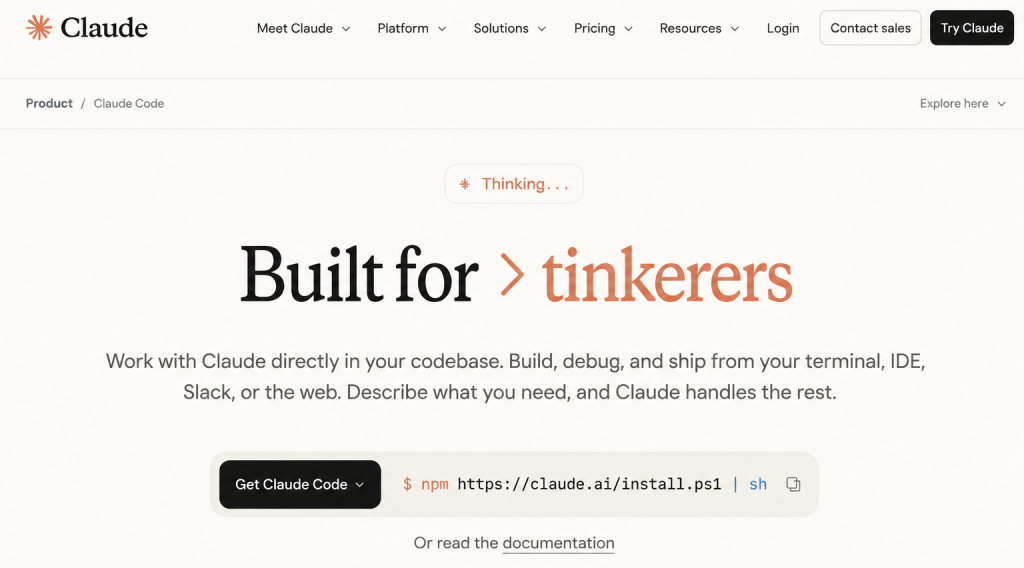
Claude Code is a command-line AI development tool built directly on top of Claude, Anthropic’s AI model. It operates inside your terminal, reading your actual project files, understanding how they relate to each other, and making targeted edits across your codebase based on plain English instructions.
Unlike chat-based AI assistants, where you copy-paste code back and forth, Claude Code lives inside your project; it sees your folder structure, your existing code, and your file history the same way a developer joining your team would.
What makes Claude Code stand out is the quality of reasoning it applies before touching anything.
When you ask it to implement a feature, it will often pause and outline its approach. Once done, it will be shared. Here’s how I’ll structure this: here are the tradeoffs, and here’s what could go wrong.
The result is cleaner code than tools and code that showcases cleanly planned, complex multi-file architectures, which is where most AI tools fall apart.
Pros
Best AI for mobile app development in terms of output quality
Integrates with the terminal
Applies the highest level of reasoning
Makes CRUD and simple apps in no time with the highest quality
Cons
Good, not beginner-friendly, with no coding experience.
Not as user-friendly as browser-based tools
High token cost
2. Cursor
Here’s what OM’s Mobile AI tool experts had to say:
Cursor is a VS Code fork that embeds AI assistance directly into your code editor, making it feel less like using a separate tool and more like having a very fast pair programmer sitting next to you.
You get all the features of VS Code, extensions, themes, keybindings, the full ecosystem, plus AI that can see your open files, understand your project context, and make changes across multiple files in a single instruction. The transition from VS Code to Cursor takes about ten minutes, which makes the adoption barrier extremely low.
Our software developers for hire had to say that this is the best AI mobile app development tool for developers who want powerful AI assistance without leaving their familiar editing environment. The inline chat, tab-completion, and multi-file editing work together in a way that feels genuinely native rather than bolted on.
Internally, it is considered one of the most impactful AI for mobile app development workflows, it’s the single most recommended tool we see across development disciplines when someone asks what AI tool is actually making a difference.
Pros
Accelerate development at every process (autocomplete, feature generation, refactoring, and debugging)
Practical AI development tool available in 2026
Not just useful and practical for mobile apps development
Cons
The cursor will sometimes generate code targeting an older version of React Native or Expo (Widely known in the community)
Always set up a .cursorrules file specifying your exact SDK version and libraries.
3. Replit Agent
Here’s what OM’s Mobile AI tool experts had to say:
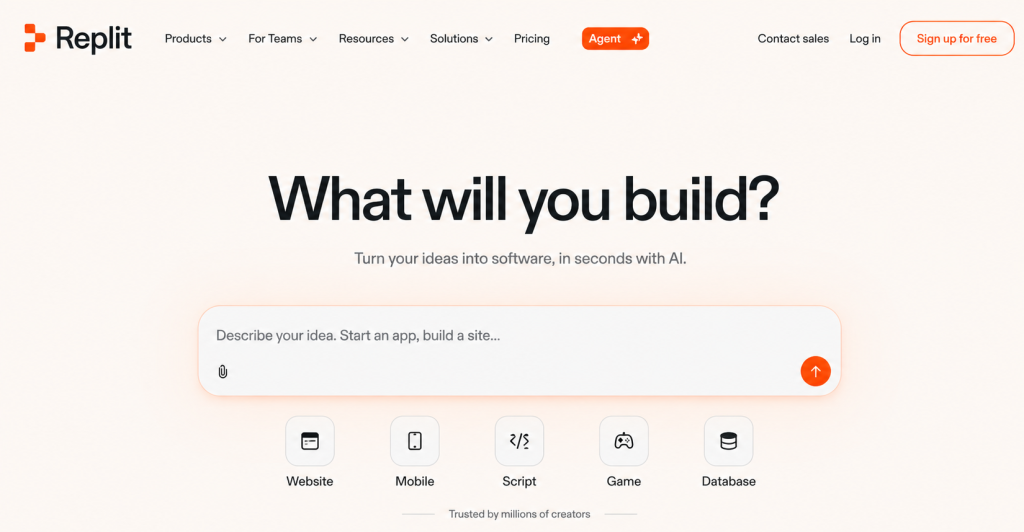
Replit Agent is a browser-based AI development environment where you describe your app idea in plain English and the agent builds the code, designs the UI, sets up a server, and gives you a live preview, all within the same interface. It’s genuinely remarkable to watch. You describe “a habit tracker with streaks and push notifications,” and within minutes, you have a running app you can interact with.
Replit Agent is best for getting from zero to prototype as fast as humanly possible. It abstracts away the environment setup, the deployment configuration, and most of the technical decisions. You don’t need to know what a package.json is, what Node.js version you’re running or how to configure a build pipeline. Replit handles all of it.
Pros
Great for non-technical founders and junior developers
Makes idea validation and testing easier
Great for building your first app easier in natural english language
Beginner friendly AI tool for mobile app development
Cons
Less control over the generated code
Apps built entirely within Replit can sometimes be harder to move to other hosting environments later
4. Google Anti-Gravity
Here’s what OM’s Mobile AI tool experts had to say:
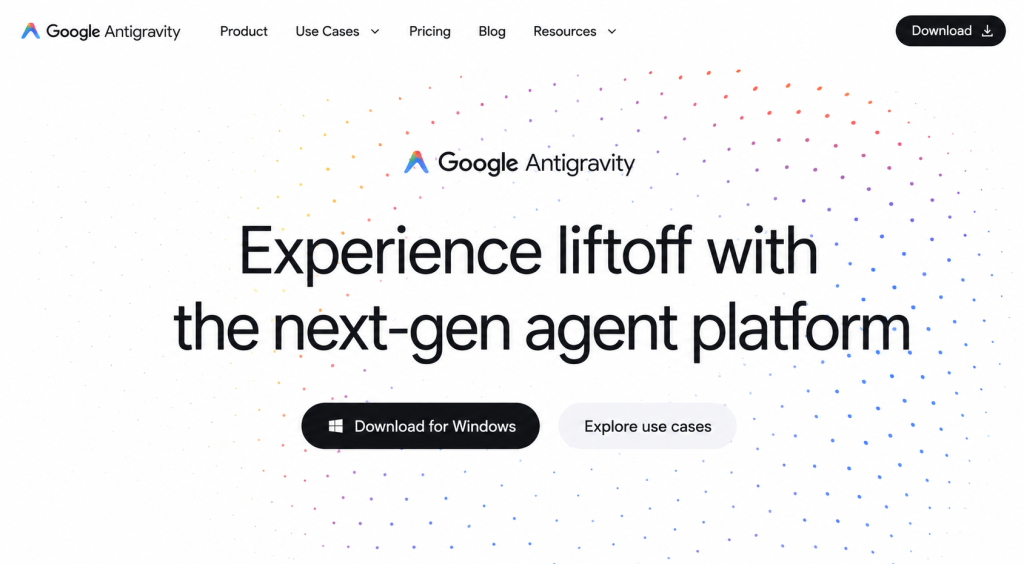
Anti-Gravity is Google’s experimental “vibe coding” environment built on physics-based UI components. Rather than writing code in a text editor, you’re dragging, connecting, and interacting with UI elements that behave like physical objects. Think of it as if someone merged Figma with a coding environment and added gravity.
Anti-Gravity is best for designers and creative developers who think visually rather than textually. It produces React-compatible output and is particularly strong for building engaging, interactive frontends where the user experience is the core differentiator. It’s less suited to backend-heavy apps or anything requiring complex data logic.
Pros
Recommended for projects where visuals are a priority
Great for prototyping UI flows and component ideas
Fun to use AI tools for mobile development
Cons
Not suited for backend-heavy apps
5. Lovable (No-Code AI Builders)
Here’s what OM’s Mobile AI tool experts had to say:
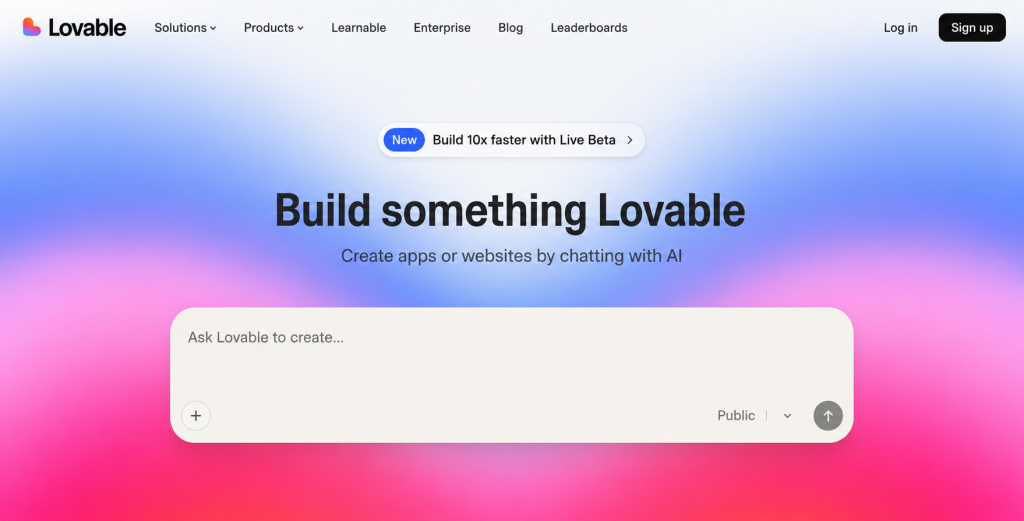
Lovable (formerly GPT Engineer) sits at the pure no-code end of the spectrum. You describe your app, and these platforms build the full structure, screens, logic, database connection, without you writing a single line of code.
These platforms are best for validated ideas that need a fast, polished MVP. If you know what your app does, who it’s for, and you just need a working version to show investors or early users, Lovable can get you there remarkably fast. They’re less flexible than code-first tools, but for standard app patterns, that rarely matters at the prototype stage.
We recommend these no-code builders to founders who are explicitly not developers and have no intention of becoming one. They work best when combined with a platform like Supabase for the database layer, which handles the data persistence that these tools don’t always manage gracefully out of the box.
Pros
Perfect for no-code builder or non-technical founders
Great for early stage MVP building or showcasing proof of concept
Cons
Need Supabase for database layer
6. Windsurf
Here’s what OM’s Mobile AI tool experts had to say:
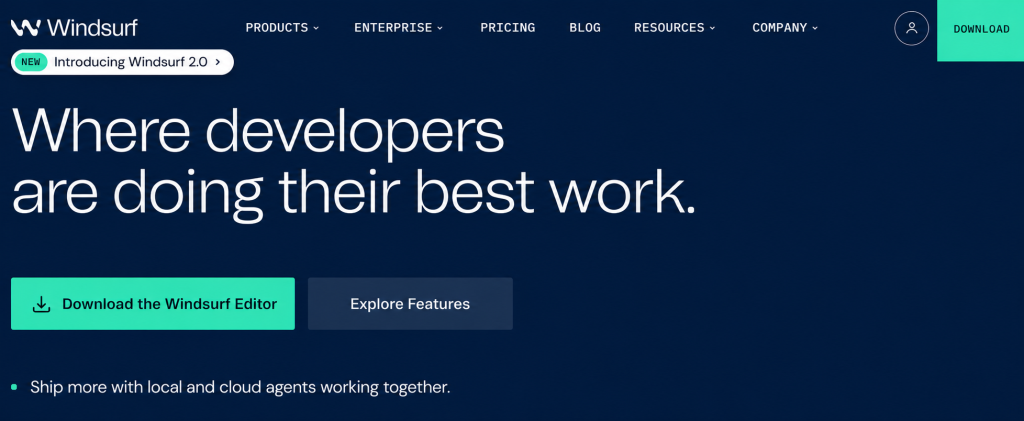
Windsurf is an AI-powered code editor from Codeium that operates similarly to Cursor, it’s a VS Code-based environment with deep AI integration built directly into the editing experience. It uses an “agentic” flow where the AI can take multi-step actions across your codebase rather than just suggesting single-line completions. The React Native developer community has consistently rated it as the closest alternative to Cursor, and several developers building with Flutter specifically prefer it for the smoother way it handles Dart-heavy codebases.
Windsurf is best for developers who find Cursor’s pricing model limiting, or who want a slightly cleaner agentic experience for longer build sessions. Our developers building with Flutter and Windsurf got a fair way through before the AI started making inconsistent changes and they had to take over, which is actually a pretty typical and expected arc. The tool gets you far before you need to apply your own judgment, which is exactly the right role for an AI coding assistant.
Pros
Great for Flutter app development
Superb free tier
Alternative to the cursor
The agentic mode works well for feature-by-feature building.
Cons
Sometimes makes inconsistent changes
7. Blink.new
Here’s what OM’s Mobile AI tool experts had to say:
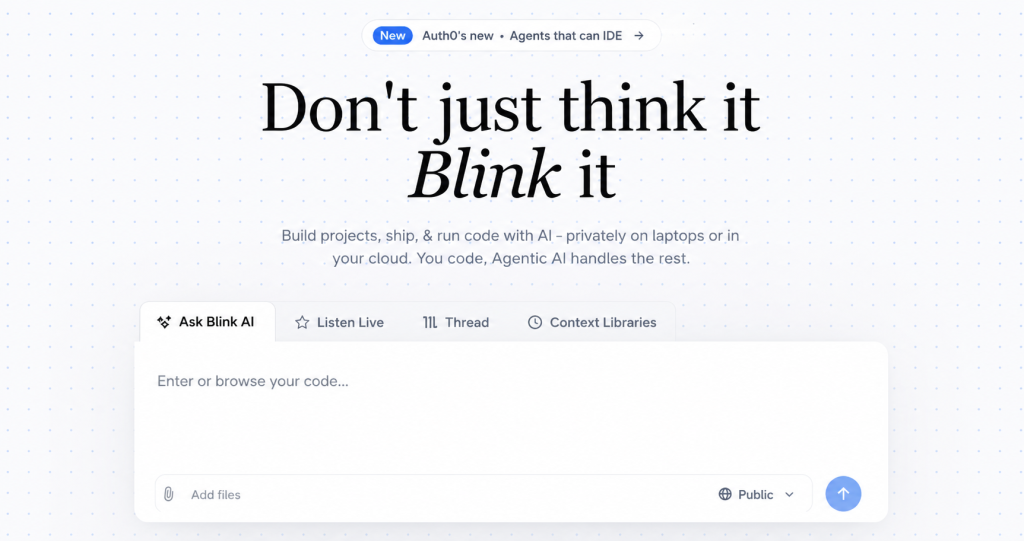
Blink.new is a newer entrant that has been generating genuine enthusiasm in non-technical founder communities. The premise is simple: describe your app in plain English, and Blink builds a working cross-platform mobile app with backend, authentication, and database already configured. Multiple developers we’ve tracked have praised it specifically for producing fewer errors than comparable tools like Lovable or bolt.new, and for covering the full stack rather than just the frontend.
Blink.new is best for founders and builders who need a complete, deployable app, not just a prototype, without writing code. Unlike some competitors that only handle the UI layer and leave you figuring out the backend separately, Blink attempts to handle the entire stack in one workflow. The community feedback on this one is unusually consistent and enthusiastic for such a new tool, which is worth paying attention to.
Pros
Not code first approach
Great for validating idea
Recommended for non-technical founder
Cons
Pair with Supabase for more control over your dat
8. GitHub Copilot
Here’s what OM’s Mobile AI tool experts had to say:
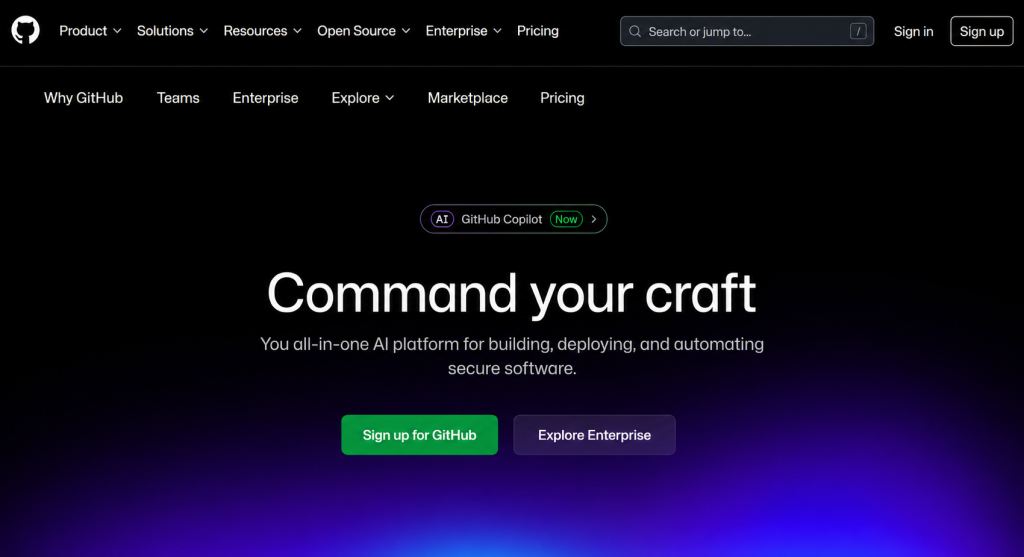
GitHub Copilot is the most widely used AI coding assistant in the world, and for good reason, it’s embedded directly into VS Code, JetBrains, and most major IDEs, providing real-time autocomplete suggestions as you type. It doesn’t generate entire features or architect your app; instead it fills in the gaps, completing function signatures, suggesting the next line, handling repetitive patterns like TypeScript generics and JSX callback syntax, and significantly reducing the time spent on boilerplate.
Copilot is best for developers who already have a codebase and want AI assistance without switching their entire development environment. Several experienced developers use it specifically for autocomplete and small code snippets, and nothing more, because for complex tasks, AI-generated code still needs careful review. The consensus we see repeatedly is: Copilot for autocomplete, Cursor or Claude Code for anything requiring multi-file understanding.
Pros
It works everywhere & is unobtrusive
Suggestions are consistently useful at the line-by-line level
Great for simple tasks and autocomplete
Cons
Works file by file rather than across your entire codebase
9. Expo (with AI Integration)
Here’s what OM’s Mobile AI tool experts had to say:
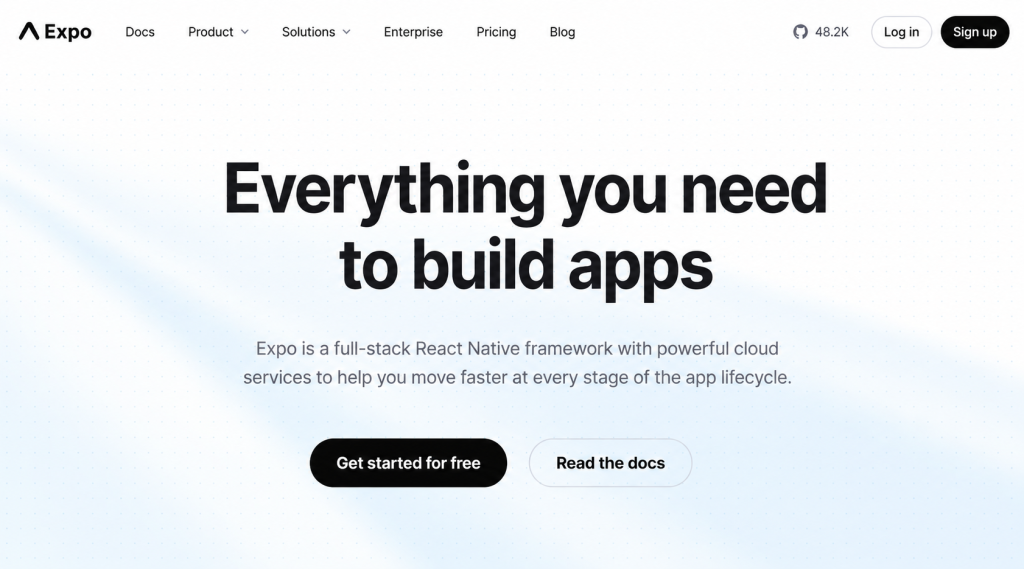
Expo isn’t an AI tool on its own, it’s a framework layer on top of React Native. But in 2026, Expo has become the default scaffolding environment for AI-assisted React Native development, which is why it deserves its own mention. Expo Go, in particular, is indispensable: it lets you scan a QR code and see your app running on a physical device within seconds, without needing Xcode or Android Studio installed.
Expo is best for React Native development where you need the full range of mobile-specific features, camera, push notifications, location, biometrics, combined with fast iteration cycles. AI tools like Claude Code integrate extremely well with the Expo ecosystem.
Pros
Recommended for any serious cross-platform mobile app
Reduces the friction of the iOS/Android environment
Expo + Claude Code are powerful mobile development stack
Cons
Best for React development
Are AI Mobile App Developers Useless?
This question comes up constantly from our internal team meetings to client conversations, and our honest answer is: no, but their role has changed significantly. Let’s be real about what AI can and can’t do.
Our developers have been refreshingly honest about this. The consensus we see repeated across different departments is consistent: “AI is just a productivity tool. If you don’t understand the core concepts, these tools can only help so much.” Another developer summed it up well: it can improve the productivity of a junior developer to a senior developer level, but only if that person has enough foundational knowledge to recognize when the AI is wrong.
A developer who only knows how to write boilerplate code, setting up navigation, wiring up APIs, building simple CRUD screens, is genuinely at risk of being replaced by AI tools for mobile app development. These are tasks that Claude Code or Replit Agent can now handle in minutes. If that’s the primary value a developer was providing, the economics have shifted.
But here’s what AI consistently gets wrong, and what experienced developers consistently get right:
Architecture decisions: AI will build what you ask. It won’t necessarily tell you that your current approach won’t scale, that you’re going to hit a wall when you need offline support, or that the state management pattern you’ve chosen is going to become a nightmare at 50 screens. Senior developers make these calls before writing a single line.
Debugging complex issues: AI is good at fixing bugs you can describe. It’s less good at diagnosing issues that emerge from the interaction between multiple systems, a timing issue between your auth layer and your database connection, for example, or a memory leak that only appears after 20 minutes of use. One of the developers shared that “80% of AI answers don’t work for very specific bugs or questions”, which matches other developer’s experience exactly for anything beyond standard patterns.
Knowing what not to build: One of the most valuable things an experienced developer does is push back on scope. “We don’t need to build this ourselves, use this existing service.” AI will happily build whatever you ask, regardless of whether it’s necessary.
Keeping version context: React Native and its ecosystem move fast. AI models frequently generate code targeting an older SDK version without being told otherwise. Without a developer who can catch this and maintain a .cursorrules file specifying the exact SDK and library versions in use, AI-generated code will regularly introduce subtle incompatibilities that take hours to track down.
Security reviews: This one is critical, and we’ll cover it in depth later. AI-generated code frequently has security gaps, not because the AI doesn’t know about security, but because it’s optimizing for getting something working quickly. A developer who understands authentication flows, database policies, and API exposure is still essential.
Eventually, the AI will slip up: This is the real honest truth that non-technical founders need to hear. The more unique your app’s functionality, the sooner this happens. At that point, you either need to pick up dev skills yourself, or you need someone technical to debug. There’s no way around it, which is why “validate small, iterate fast, and invest in real development later” is the right approach for anyone building without a technical background.
What we’re really seeing is a compression of the skill ladder. Tasks that used to require a mid-level developer now require a junior developer with AI assistance. Tasks that used to require a senior developer now require a mid-level developer with AI assistance. The floor has risen, but the ceiling hasn’t disappeared.
How to Develop a Mobile App With AI
Now let’s get practical. Here is the exact workflow our developer team recommends for building a mobile app with AI assistance from idea to App Store submission.
Choosing Your Framework
The framework decision is foundational. Get this wrong and you’ll fight it for the entire project. Here’s how we think about it.
React Native
React Native is our top recommendation for AI-assisted mobile development in 2026. It uses JavaScript and TypeScript, languages that every AI model has been trained on extensively, which means the quality of AI assistance is highest here. A single codebase runs on both iOS and Android. Combined with Expo, the development loop is as fast as anything available.
The main limitation of React Native is performance in graphically intensive applications, games, real-time 3D, heavy animations. For anything else, social apps, productivity tools, e-commerce, health apps, React Native performs excellently in production.
Flutter
Flutter is Google’s cross-platform framework and a strong second choice. It compiles to native ARM code, which gives it genuine performance advantages in animation-heavy or graphics-intensive apps. The UI toolkit is fully custom, which means pixel-perfect consistency across platforms.
The trade-off is Dart, Flutter’s programming language. Dart is less common than JavaScript, which means AI assistance, while still good, isn’t quite as consistently reliable. If you’re already comfortable with Dart or you have specific performance requirements, Flutter is absolutely the right choice. If you’re starting fresh and want maximum AI leverage, React Native edges it out.
Dart (Standalone)
It’s worth noting that Dart as a language is also usable outside Flutter for backend services via frameworks like Shelf. If you’re going all-in on the Google ecosystem and want your frontend and backend in the same language, Dart gives you that option. It’s a niche choice but worth knowing about.
Create an App Development Blueprint
One of the most common mistakes we see developers make with AI is jumping straight into prompting without a plan. The AI will happily build something, but it might not be the right something. Here’s how to structure your blueprint before writing a single prompt.
Decide the Tool to Use
Based on your technical comfort level and project type, make this decision explicitly before you start. Beginner with a simple app idea? Replit Agent. Junior developer who wants to learn while building? Expo + Claude Code. Non-technical founder who needs a fast MVP? Base44 or Lovable. Write this decision down. Changing tools mid-project is expensive in time and often requires rebuilding from scratch.
Platform to Target
Are you building iOS only, Android only, or both? This affects your framework choice, your testing setup, and your App Store submission process. If you’re solo, we generally recommend starting with iOS only (if you have a Mac) or Android only, get the product right on one platform before expanding. If you’re using React Native with Expo, going cross-platform from day one is low-cost enough that it’s often worth doing.
Design and User-Specific Design
This step is skipped more than any other, and it causes more problems than any other. Before you build, define three things: who is the user, what is the one core action the app enables, and what does success look like for that user. Write these down in an agents.md file (more on this shortly) that you’ll feed to your AI at the start of every session. This context prevents the AI from making design decisions that don’t fit your actual user — and AI will make design decisions if you don’t constrain it.
Select Top AI Development Tools and Environments
Claude Code & Cursor
For code-level development, Claude Code via the terminal or Cursor as your IDE are the gold standard. Before you start any build session, create an agents.md file in your project root. This file tells the AI exactly what tech stack you’re using, your folder structure, your coding conventions, and what libraries are in scope. It’s the equivalent of a technical briefing for a new developer joining your team. Without it, AI tools tend to drift, suggesting different libraries partway through the build, changing naming conventions, or breaking existing functionality while adding new features.
Replit Agent
If you’re working in Replit, set up your project description carefully before you start the agent. Be specific: “Build a React Native app using Expo that allows users to log daily water intake. Use Supabase for the database. Users should be able to create an account with email and password. The UI should be minimal, with a single large input and a daily progress bar.” Vague prompts produce vague apps.
Google Anti-Gravity
Use Anti-Gravity specifically for designing and prototyping your core UI screens. Export the component output and bring it into your main codebase via Claude Code. Don’t try to build your entire app in Anti-Gravity, it’s a design accelerator, not a full-stack environment.
Expo Go (Testing Environment)
This is non-negotiable in our workflow. Install Expo Go on your physical device from day one. Every time you make a meaningful change, test it on device, not just in the browser simulator. Mobile apps behave differently in the browser, differently in the simulator, and differently on a real device.
The progression we follow is always: Browser → Simulator → Physical Device (via Expo Go). Don’t skip steps.
The AI Building Workflow (Practical Vibe Coding)
Here’s the iterative process we follow for every feature:
- Define the feature scope tightly: Before prompting, write down exactly what this feature does, what inputs it takes, what outputs it produces, and what it explicitly does NOT do. One feature per session.
- Feed context first: Start every session by feeding in your agents.md file and any relevant existing code files. AI has no memory between sessions. It will reinvent your stack from scratch if you don’t remind it.
- Prompt with constraints and with granularity: The most important constraint is “Do not change any existing UI or functionality.” Only add the new feature I describe.” Without this, AI tools frequently “improve” existing code in ways that break things. Always include this instruction.
The second lesson here comes directly from experienced React Native developers: break your prompts down the way you’d break down an actual development task. Don’t say “build me a new screen.” Instead, add a View component with a ScrollView. Inside it, add a Text component for the title and a FlatList for the data.” The more granular your prompt, the more accurate the output. Vague prompts produce vague apps; this is the single most common mistake beginners make.
- Review the output before running it: Read what the AI generated. You don’t need to understand every line, but you should understand the structure. If something looks unexpected, ask the AI to explain it before executing.
- Test immediately. Run on the device. If it breaks, paste the exact error message back into the AI; don’t describe the error, paste it verbatim. AI models are significantly more accurate when given exact error output.
- Commit working code. After each feature works, commit to version control. This is your safety net. AI makes mistakes; you need to be able to roll back.
This point deserves more emphasis than it usually gets. A common beginner mistake is asking AI to “redo the whole code” every time they want to update a feature, which is completely unsustainable as the app grows. Git solves this entirely. Every working state is a save point you can return to. If you use Cursor, you can even ask it to commit the code for you. If AI starts duplicating code or changing things it shouldn’t, which it will eventually, you just discard all changes and return to your last commit. It’s one of the most practical habits you can build when working with AI-generated code.
Token management note: As a conversation grows longer, AI models become less efficient and more likely to make mistakes. Use /compact or /clear commands periodically to reset the context. Think of it like giving your developer a fresh briefing instead of expecting them to remember everything from six hours ago.
Non-App Infrastructure (“The Backend”)
The mobile app is only half the picture. A production-ready app needs real infrastructure behind it. Here’s what we use and recommend:
Database & Authentication: Supabase is our first recommendation. It gives you a PostgreSQL database, user authentication (email/password and social login), row-level security policies, and a generous free tier, all with an API that AI tools know extremely well. Clerk is an excellent alternative for user management, specifically, with a more polished developer experience and a free plan that covers most small apps.
AI Feature Integration: If your app needs AI features, image recognition, voice assistants, or content generation, the OpenAI API is the most AI-tool-friendly integration. Claude’s API (via Anthropic) is our preference for text generation tasks, given the quality of output. For real-time voice or video AI features, Stream’s Vision Agents are worth evaluating.
Analytics: PostHog gives you event tracking, funnel analysis, and session recording. The reason we specifically recommend PostHog is that it can be integrated via an “AI Wizard” prompt, you describe the events you want to track, and the AI generates the integration code. It’s one of the cleaner AI-native workflows available.
Hosting: Replit can host your backend if you stay within its ecosystem. For production, Hostinger with a Node.js environment is more cost-effective at scale. Vercel is excellent for API routes and edge functions if you’re building with Next.js on the backend.
Plan, Budget, and Token Optimization
Building with AI is not free. Think of it as a currency conversion, you are exchanging tokens and money for features, and like any currency conversion, the rate matters.
Budgeting: Plan for approximately $20/month for premium AI model access, this covers Claude Pro or Replit Core. This is not optional if you’re doing serious development. Free tiers have rate limits that will interrupt your workflow at exactly the wrong moment.
Token efficiency: The longer a conversation runs, the more tokens it consumes and the less focused the AI becomes. Keep sessions focused on one feature at a time. Use /compact to compress history when a conversation gets long. Start fresh sessions for new features rather than continuing old ones.
Documentation pasting: AI models have training cutoffs. If you’re using a library that has been updated recently (and in 2026, most libraries have), paste the current documentation directly into your prompt. This is significantly more effective than hoping the AI knows the current API. Go to the library’s official docs, copy the relevant section, and include it in your prompt as context.
Preparation for App Store & Play Store
This is where many solo developers stumble. The app works perfectly, and then they discover the App Store submission process has a dozen requirements they haven’t prepared for. Here’s the complete checklist:
Branding: You need a unique app name (search both stores before committing) and a high-resolution app icon at 1024×1024 pixels. AI image tools can generate these, but make sure the output is clean, not overly complex, and reads well at small sizes.
Required pages: Both Apple and Google require a Privacy Policy and a Support URL that is publicly accessible. These cannot be a Google Doc or a file in your GitHub repo, they must be hosted on a real website. A simple Notion page or a one-page site on Carrd works perfectly.
Visual assets: You need vertical screenshots of your app, up to 10 for each store. Use the simulator to capture these at the right resolution for each device size. Both stores have specific dimension requirements; check the current developer documentation before generating these.
Store fees: Google Play Console requires a one-time $25 registration fee. Apple Developer Program charges $99 per year. Budget for these before you start building; there’s no point completing an app you can’t afford to publish.
Build process: For iOS, you need a Mac and Xcode for the final submission build (or you can use services like Expo’s EAS Build, which handles cloud compilation and avoids the local Xcode setup entirely). For Android, Expo’s EAS Build also works, or you can generate a local APK/AAB file.
How to Ensure Your App Is Secure
Security is the step that solo developers and junior teams most consistently skip. AI-generated code is particularly prone to certain classes of vulnerability, not because the AI is careless, but because it’s optimizing for getting something working fast. Before you submit to the App Store, run a dedicated security audit. Here’s exactly what to look for.
Identify Core Vulnerability Patterns
Hard-coded secrets:
Scan your entire codebase for API keys, OpenAI keys, Anthropic API keys, Clerk publishable keys, that may have been pasted directly into code instead of stored in environment variables. This is the most common vulnerability in AI-generated code, and it’s critical because if your repo is public, any hard-coded key is immediately compromised.
Missing server-side validation:
AI tools frequently build validation logic only on the frontend, which means a technical user can bypass it entirely by making direct API calls. Every validation that matters, pricing, permissions, and data integrity, must be enforced on the server, not the client.
Hallucinated packages:
This is a specific risk with AI-generated code. AI models occasionally suggest npm packages that don’t exist or packages with legitimate names that have been taken over by malicious actors. Before running npm install, verify that every package in your package.json exists on the official npm registry and has recent activity.
Open database policies:
If you’re using Supabase, check that Row Level Security (RLS) is enabled on every table. By default, Supabase tables are accessible to anyone with your API key. RLS restricts access so users can only read and write their own data. This is non-negotiable for any production app.
Authentication consistency:
Check that your authentication middleware is applied to every protected route. AI tools sometimes add auth guards to some routes and forget others, especially routes added late in the build process.
Token verification:
If you’re using tokens from Clerk, Stream, or any other auth provider, ensure the token is verified on the server using the provider’s official SDK. Never trust a user ID or token value that comes from the client without server-side verification.
Resource exposure:
Identify any functions that could be called repeatedly by an attacker to consume your AI tokens or API credits. These “expensive operations” need rate limiting; without it, a simple script could generate a bill in the thousands overnight.
Pro tip:
Once you’ve fixed the issues from your first security audit, run a second pass. Fixing one vulnerability sometimes introduces a new one elsewhere. We always do at least two audit passes before submitting to the App Store.
For the audit output, ask your AI to categorize findings by severity: critical, high, medium, and low, and include the specific file and line number for each issue. If you want to go deep, request CWE (Common Weakness Enumeration) identifiers, which link each finding to the industry-standard description of that vulnerability class.
Conclusion
If there’s one thing we hope you take from this guide, it’s this: AI hasn’t made mobile app development trivial; it’s made it accessible. The cognitive overhead of setting up a project, writing boilerplate, wiring up APIs, and scaffolding screens has dropped dramatically. What remains, the architecture decisions, the judgment calls about user experience, the discipline to audit security, and the persistence to debug the hard issues, is still fundamentally human work.
The developers who are thriving right now are not the ones who’ve handed everything to AI and walked away. They’re the ones who’ve learned to collaborate with AI intelligently, feeding it precise context, reviewing its output critically, and knowing exactly which decisions to make themselves and which to delegate.
Whether you’re a junior developer building your first app, a founder with a product idea and enough technical curiosity to follow a guide like this, or a developer evaluating whether to work with an AI development company for your next project, the tools exist today to build real, production-quality mobile apps with a fraction of the team and timeline that would have been required even two years ago.
FAQs
Q1. Can we develop an app in a native language or framework using AI?
Yes, absolutely. AI tools like Claude Code are capable of writing Swift (iOS) and Kotlin (Android) code competently. Native development with AI assistance is entirely viable. That said, we generally recommend cross-platform frameworks like React Native for AI-assisted builds because AI models have been trained on significantly more JavaScript/TypeScript than Swift or Kotlin, which translates to higher-quality code suggestions.
Q2. Can a real app be built without using any coding?
Yes, for a meaningful subset of app types. No-code AI platforms like Base44 and Lovable can produce genuine production apps, complete with database, authentication, and a functioning UI, without the user writing a single line of code. The limitation is flexibility: if your app fits a standard pattern (CRUD, scheduling, community, marketplace), no-code AI tools can handle it. If your app has unusual logic, custom hardware integration, or highly specific performance requirements, you’ll eventually hit a ceiling.
Q3. What is the best AI app builder for iOS and Android?
For cross-platform (iOS + Android) development, our recommendation is Expo + Claude Code if you’re comfortable with code, and Replit Agent if you’re not. Both are capable of producing apps that pass App Store and Play Store review. If you’re iOS-only and non-technical, Lovable (formerly GPT Engineer) has the most polished iOS submission workflow available today.
Q4. Are there free AI tools for mobile app development?
Yes, several. Replit has a free tier that allows basic agent usage. Claude.ai’s free tier can assist with code generation, though without the full Claude Code environment. Cursor offers a free tier with limited AI completions per month. Expo itself is free and open-source. The honest reality is that serious development, where you’re running multiple build sessions per day, will hit free tier limits quickly.
Q5. Is Cursor AI good for mobile app development?
Yes, Cursor is an excellent choice for mobile app development, particularly for React Native projects. It integrates directly into your code editor (as a VS Code fork), which means you’re working with your actual file system, your real project structure, and real error messages.